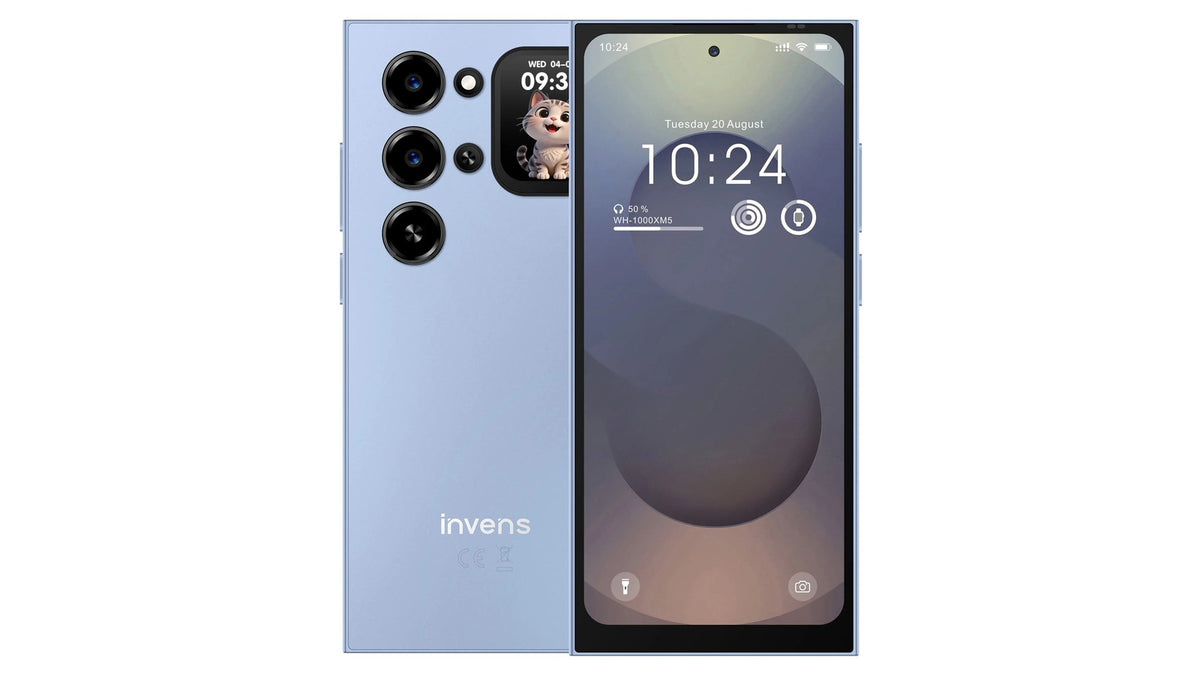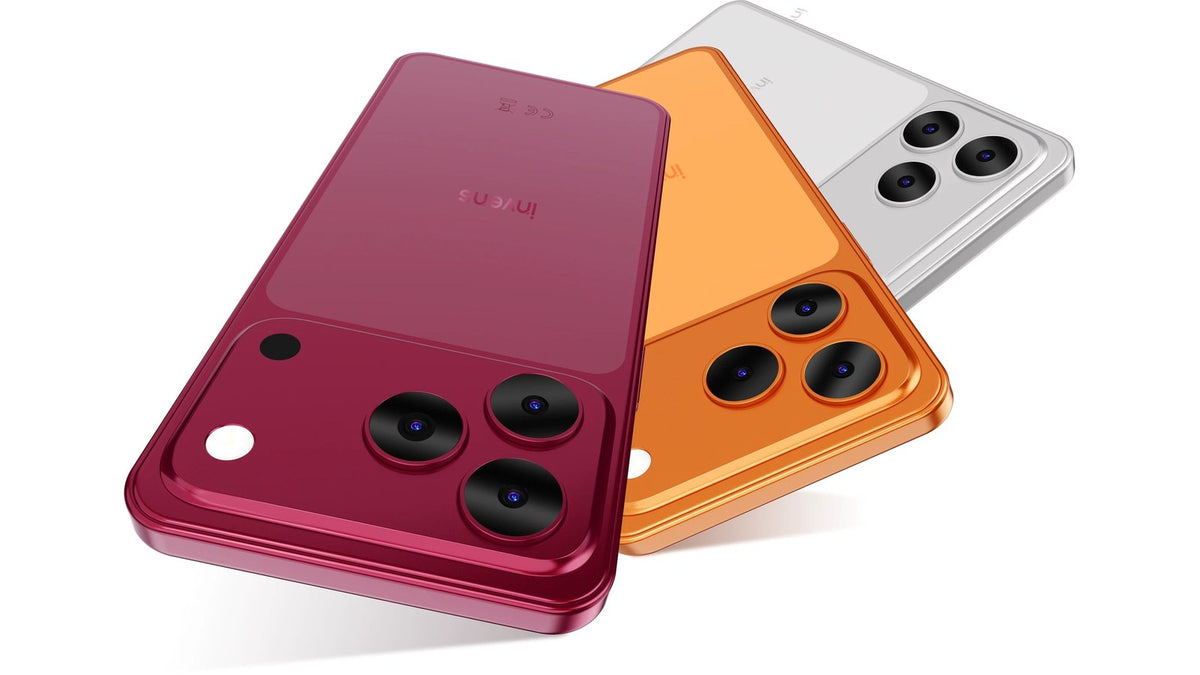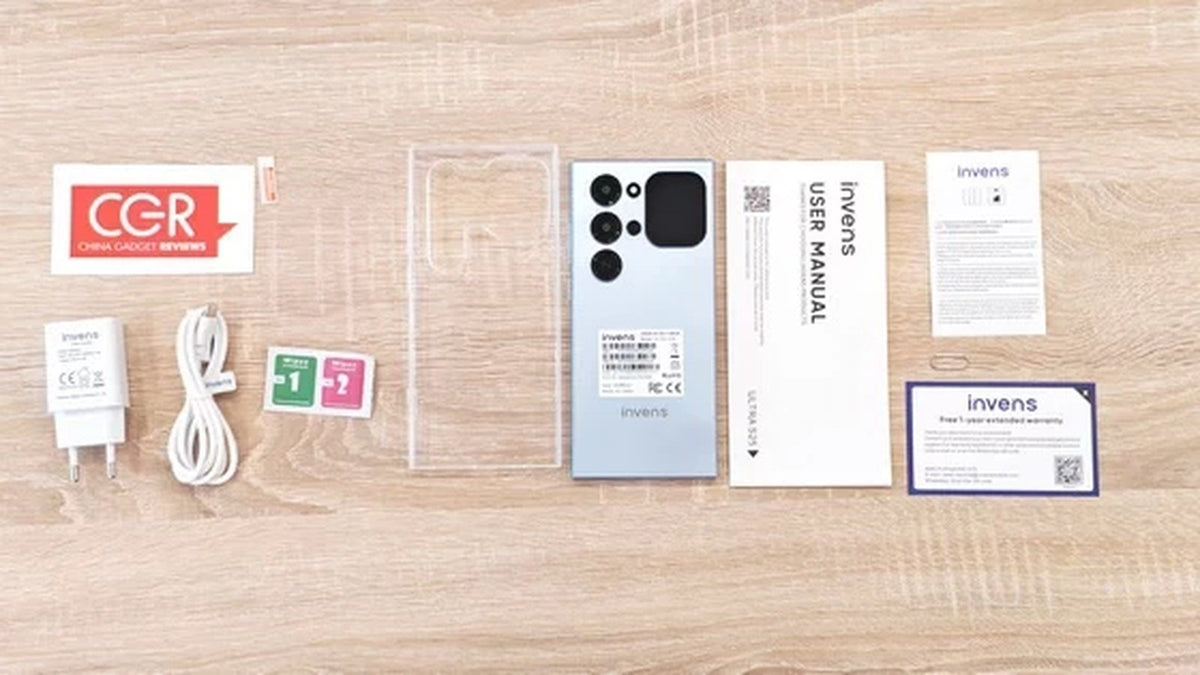
China Gadgets Reviews published a hands-on unboxing of the invens Ultra S26 on 22 October, under the headline “Unboxing Invens Ultra S26 6.79″ 120Hz 4G Smartphone”. It is the first proper look at the hardware outside a press render, and the first chance to see how the rear display actually sits on a phone you can hold.
Unboxings are usually about accessories. This one is more useful than that, because the Ultra S26 is a phone whose design decision is visible from the back — and a 16:9 product shot does not tell you how that panel behaves in the hand.
What the unboxing shows
- The retail package and the device itself, out of the box.
- The rear panel in context — its size relative to the 6.79-inch main screen.
- First boot, with Android 16 running from the start.
- The 120Hz main display in motion rather than in a specification table.
- The European launch configuration.
Watch it at China Gadgets Reviews.
Why the rear display reads differently in person
On paper, a 1.75-inch secondary display sounds like a gimmick bolted onto a normal phone. In a hands-on video the proportions make more sense: the panel occupies a defined area of the back, it is clearly meant to be read at a glance, and it does not compete with the main screen for attention.
That is the whole design argument. The Ultra S26 is not asking you to use two screens at once. It is asking you to use a smaller screen for the ten-second interactions — a message, a track change, a timer, a camera preview — and to leave the 6.79-inch 120Hz panel for the tasks that actually need it.
What to set up first
If you have just taken an Ultra S26 out of its box, three things are worth doing before anything else:
- Enable notifications on the rear display. The panel is only useful if the apps you actually check are allowed to surface there.
- Confirm the main screen is running at 120Hz. Refresh rate can be set conservatively by default on some builds; the difference is immediately visible when scrolling a long page.
- Try the camera with the rear screen as viewfinder. Shooting with the 32MP main camera while framing on the back panel is the feature that changes behaviour rather than just adding one.
About the “4G smartphone” in the headline
The review's title describes the Ultra S26 as a 4G smartphone, and that is accurate — it is a 4G device, not a 5G one. For most buyers in most of Europe that is a smaller compromise than the spec sheet makes it sound: 4G coverage is mature, and a 4G radio draws less power than a 5G one, which is part of how the phone stays usable through a full day.
Ultra S26 specifications
| Specification | Ultra S26 |
|---|---|
| Main display | 6.79-inch, 120Hz |
| Secondary display | 1.75-inch, rear panel |
| Memory | 4GB RAM + 20GB virtual RAM |
| Storage | 128GB |
| Rear camera | 32MP |
| Front camera | 13MP |
| Operating system | Android 16 |
| Network | 4G |
| Colours | Black, Blue, Gold, Taupe |
Read next
- Ultra S26 launches in Europe — the full launch details.
- Why the Ultra S26 has a second screen — the design reasoning.
- NetCost & Security reviews the Ultra S26 — French coverage of the same phone.